
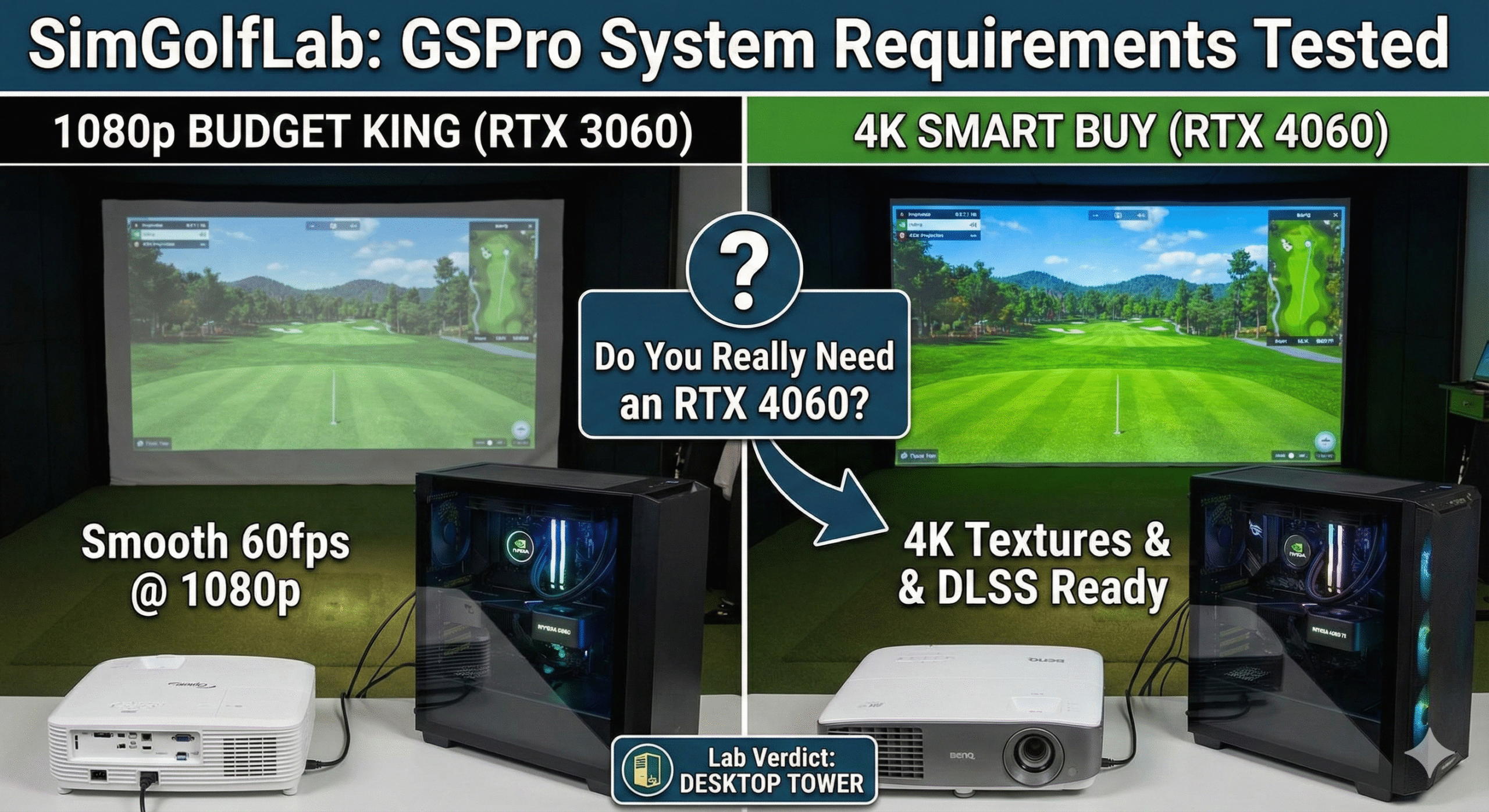
If you are building a simulator in 2025, you are almost certainly going to run GSPro. It is the gold standard of golf software—amazing physics, 4K graphics, and zero monthly subscription fees (just a yearly license).
But then you look at the system requirements, and your wallet starts to cry.
The forums will tell you that you need a NASA supercomputer to run it. They will say things like “You need 32GB of RAM” or “Don’t even bother without an RTX 4080.”
At SimGolfLab, we test things in the real world, not just on paper.
Here is the honest truth about what computer you actually need to run GSPro without stuttering, broken down by budget and resolution.
The “Golden Rule” of Sim PCs
Before you look at a single computer, look at your Projector.
Your PC only needs to be as strong as your screen.
- If you have a 1080p Projector (like the Optoma GT1090HDR or BenQ TH671ST), your computer only needs to render 2 million pixels. You can get away with a much cheaper machine.
- If you have a 4K Projector (like the BenQ TK700STi), your computer needs to render 8 million pixels. You need serious horsepower.
Do not buy a $2,000 4K gaming PC if you are projecting onto a 1080p screen. It’s like putting jet fuel in a Honda Civic. It won’t go any faster.
Laptop vs. Desktop: The Garage Factor
We get asked this daily: “Can I just use my gaming laptop?”
Technically? Yes. Should you? No.
Here is why desktops win for simulators:
- The “Garage Heat” Factor: Laptops have tiny fans. If you run 4K golf software for 2 hours in a slightly warm garage, a laptop will “thermal throttle” (slow down to keep from melting). A desktop has massive airflow and stays cool.
- The Price: A desktop with an RTX 4060 is usually $300–$500 cheaper than a laptop with the same specs.
- Upgradability: In 4 years, when GSPro 3.0 comes out, you can just swap the graphics card in a desktop. With a laptop, you have to throw the whole thing away.
Lab Verdict: Buy a pre-built Desktop Tower. Hide it in the corner. Forget about it.
Tier 1: The “1080p Budget King” (Under $1,000)
- Target Resolution: 1080p (High Settings) or 1440p (Medium Settings).
- Projector Match: BenQ TH671ST or Optoma GT1090HDR.
You do not need the newest 40-series card for 1080p. The older RTX 3060 is the absolute workhorse of the simulator world. It runs GSPro at 1080p/60fps without breaking a sweat.
- Look for these specs:
- GPU: NVIDIA GeForce RTX 3060 (12GB VRAM is best).
- CPU: Intel Core i5 or AMD Ryzen 5.
- RAM: 16GB.
Tier 2: The “4K Standard” (The Smart Buy)
- Target Resolution: 4K (Medium/High Settings).
- Projector Match: BenQ TK700STi.
This is the sweet spot for 2025. The RTX 4060 (and specifically the 4060 Ti) uses newer DLSS technology to smooth out the image. If you are building the “SimGolfLab $5k Build,” this is the PC you want.
It handles the 4K textures of courses like Georgia Golf Club beautifully, keeping the ball flight smooth.
- Look for these specs:
- GPU: NVIDIA GeForce RTX 4060 or 4060 Ti.
- CPU: Intel Core i7 or AMD Ryzen 7.
- RAM: 16GB or 32GB.
Tier 3: The “Future Proof” (Overkill)
- Target Resolution: 4K (Ultra Settings) + 3rd Party Cameras.
- Projector Match: High-End 4K Laser Units.
Do you need an RTX 4070 or 4080? Only if you plan to run Swing Catalyst cameras at the same time as GSPro.
If you are recording your swing with high-speed USB cameras while playing 4K golf, the PC has to do double duty. That is when the RTX 4060 starts to struggle. If you are a content creator or a swing tinkerer, spend the extra money on the 4070.
- Look for these specs:
- GPU: NVIDIA GeForce RTX 4070 Super.
- RAM: 32GB (Mandatory for multi-tasking).
Summary: What Should You Buy?
Don’t overthink it.
- If you have a 1080p Projector (or are using a TV): Buy an RTX 3060 Desktop. It’s cheap (~$800) and rock solid.
- If you have a 4K Projector: Buy an RTX 4060 Desktop. It costs ~$1,100 and gives you the premium experience.
A Final Warning: GSPro only runs on Windows. Do not buy a Mac. Do not buy a Chromebook. You need a dedicated Windows gaming tower.